







OceanWP Woo Popup
In the world of web design, branding is an essential part of any business’s identity. If you are an agent or developer, the OceanWP White Label plugin provides you with the perfect solution to customize the user experience under your own brand. With this plugin, you can remove the default brands and add your own logos and colors, giving you the ability to deliver a unique experience to your customers. In this description, we’ll go over the features of OceanWP White Label and how it can enhance the quality of your service.
OceanWP White Label Features
- Full brand customization: OceanWP White Label allows you to customize all branding elements of the site. You can replace the default logo with your own, and change the colors and backgrounds to match your identity, giving the site a personal touch that reflects your brand.
- Remove default branding: With this plugin, you can remove any references to OceanWP from the user interface, helping to present a site that looks like it was developed entirely under your brand, without any unwanted ads or logos.
- Personalized user experience: Customizing the user interface helps improve the user experience for customers. Thanks to the customized theme, visitors will feel like they are dealing with a professional website that matches their expectations.
- Plugin Compatibility: OceanWP White Label is compatible with a variety of plugins, which means you won’t lose any functionality when applying customization. You can use other plugins freely and without any restrictions.
- Search Engine Optimization (SEO): Optimizing the site’s interface to be in line with the brand’s identity can help improve SEO, as it will encourage visitors to spend more time on the site and explore the content.
- Customizable styles: You can customize background styles, fonts, and buttons to match your brand’s design. This feature allows you to create a complete user experience, making visitors feel comfortable while browsing.
- Multilingual support: The plugin supports multilingual content, making it easy to customize the user interface to suit an international audience. You can set up interfaces in different languages to meet the needs of your customers.
- Easy management: OceanWP White Label provides a simple and easy-to-use management interface. You can access all customization options with a single click, saving you time and effort during the design process.
- Performance analysis: You can use analytics tools to track site performance after applying customizations. This will enable you to understand visitor behavior and how they interact with the new design.
- Reliable technical support: OceanWP offers comprehensive technical support and an active community. If you encounter any issues while customizing the site, you can rely on the documentation or get help from the community to resolve them quickly.
Practical uses
- Offer agency services: If you work as a web design agency, you can use OceanWP White Label to deliver customized websites to your clients under your brand, enhancing your professionalism and increasing customer satisfaction.
- Developing special projects: If you’re a developer working on special projects, you can use this plugin to customize the sites to suit your vision and your clients’ expectations.
- Brand Expansion: The OceanWP White Label plugin helps you extend your brand by delivering a consistent and engaging user experience, boosting customer loyalty.
conclusion
The OceanWP White Label plugin is a powerful tool for customizing the user experience and enhancing your brand identity. With extensive customization options and the removal of default brands, you can deliver a professional and unique experience to your customers. Start using OceanWP White Label today, and leverage the power of customization to strengthen your brand and bring positive results to your projects!


Absolute Addons for Elementor
In stock
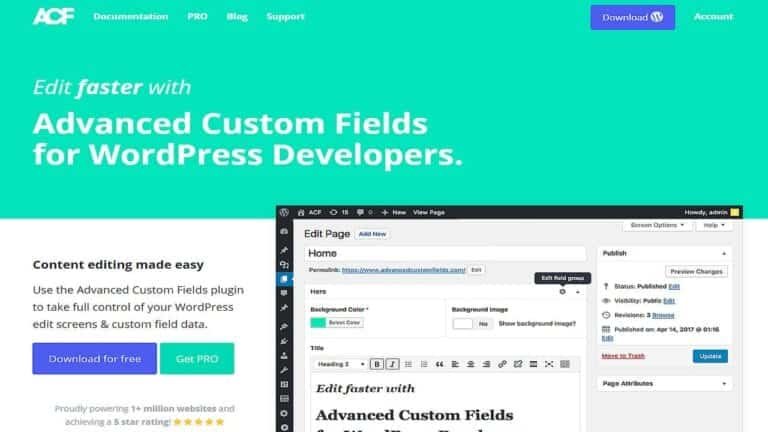
Advanced Custom Fields (ACF)
In stock
Advanced Database Cleaner PRO
In stock
Advanced Scripts
In stock

All-in-One WP Migration Unlimited Extension
In stock
Amelia Pro Booking
In stock
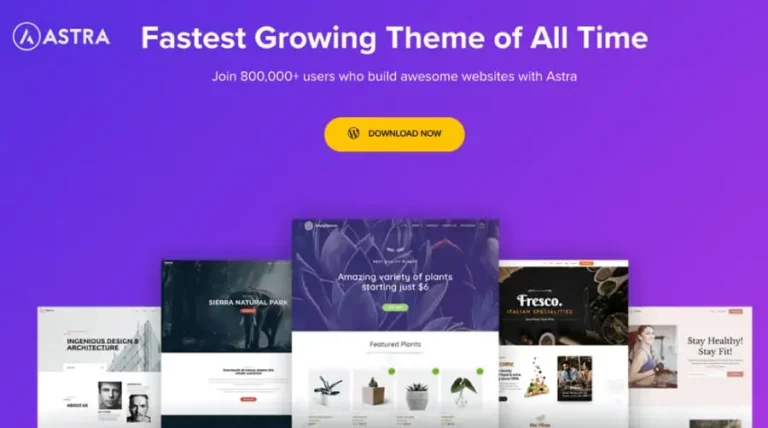
Astra pro
In stock

Avada
In stock

Beaver Builder
In stock


Blocksy Theme
Out of stock
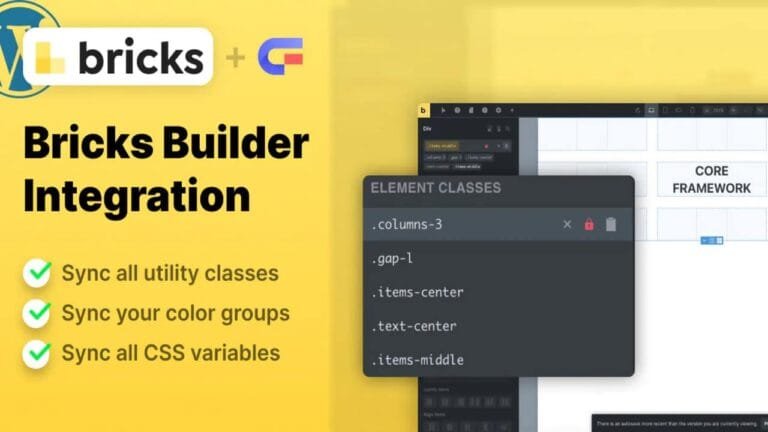
Bricks Builder
In stock
Canva Student
In stock

Canva Teacher
In stock

Cart Flows
In stock
Crocoblock Full Suite
In stock




Reviews
Clear filtersThere are no reviews yet.