

Custom Sidebar Navigation Made Easy

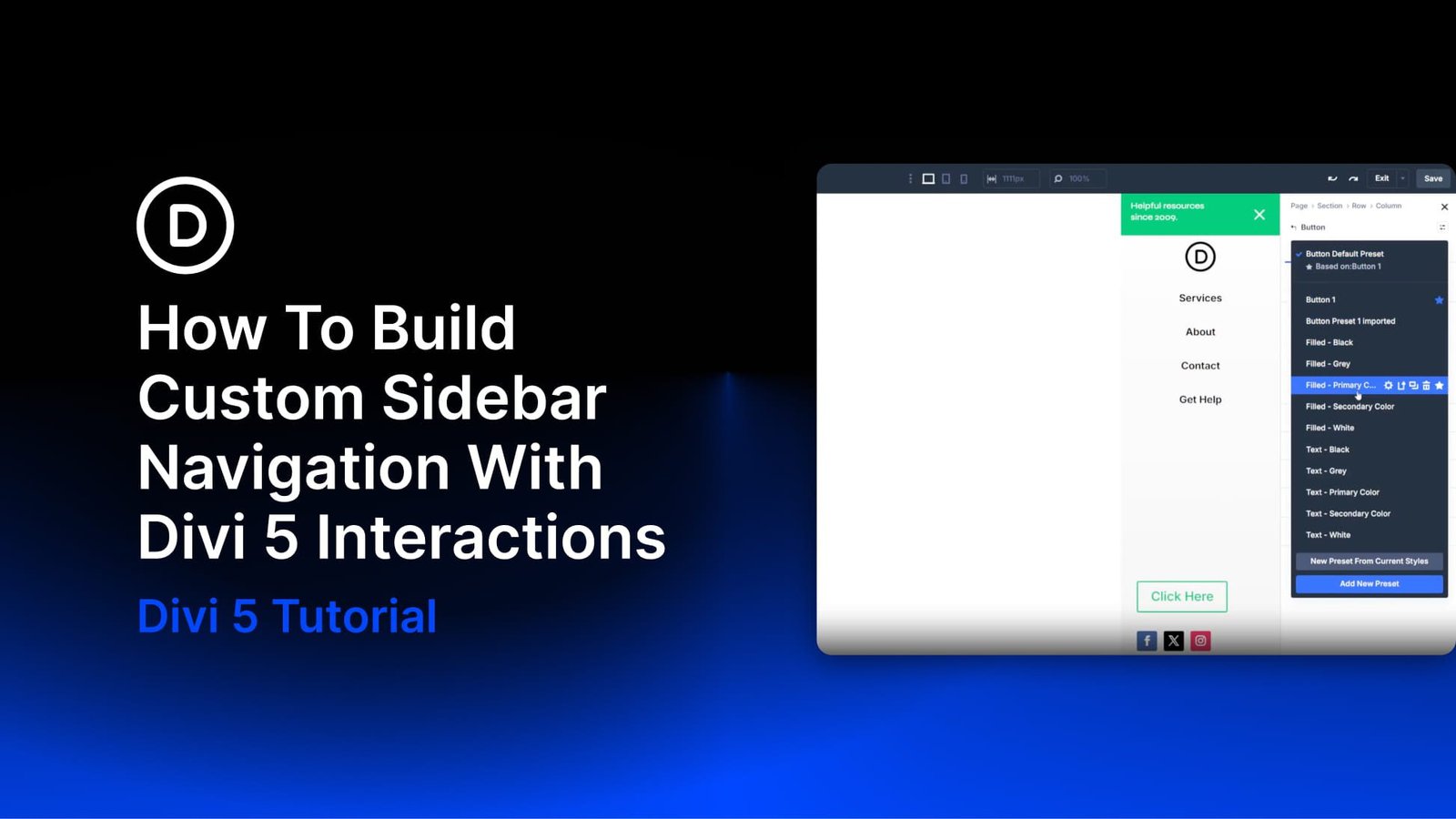
Introduction to Custom Sidebar Navigation
As you consider enhancing your website’s user experience, you’re likely looking for ways to make navigation more intuitive and accessible. One effective approach is to implement a custom sidebar navigation system, which can significantly improve how users interact with your site. With the right tools and a bit of creativity, you can create a seamless and engaging experience for your visitors.
In this article, we’ll delve into the world of custom sidebar navigation, exploring its benefits, how to implement it using Divi 5 interactions, and providing you with actionable advice to get started.
The Benefits of Custom Sidebar Navigation
Custom sidebar navigation offers several advantages, including enhanced user experience, improved accessibility, and increased flexibility in design. By keeping the main header simple and reserving detailed navigation for the sidebar, you can maintain a clean and minimalistic design that appeals to a wide range of users.
This approach is particularly beneficial on mobile devices, where screen real estate is limited, but it also works well on desktops for sites that require a comprehensive menu without cluttering the main header.
A Mobile-First Approach
Given the prevalence of mobile browsing, adopting a mobile-first strategy when designing your custom sidebar navigation is crucial. This involves prioritizing the mobile user experience and then scaling up to larger screens, ensuring that your navigation remains intuitive and accessible across all devices.
According to recent statistics, more than 50% of website traffic comes from mobile devices, emphasizing the need for a mobile-centric design approach.
Implementing Custom Sidebar Navigation with Divi 5
Divi 5 offers a robust set of features that make creating custom sidebar navigation easier than ever. The Theme Builder, global Canvas, and Interactions work together seamlessly to help you design a layout that meets your specific needs.
By leveraging these tools, you can create a minimal top header with a logo and hamburger icon, a separate sidebar panel with dynamic content, and implement interactions to control the open and close behavior of the sidebar.
The Role of Design Variables
Design Variables play a crucial role in maintaining consistency across your website. They allow you to define and manage shared values such as colors, spacing, and typography, ensuring that your design elements are cohesive and professional.
For example, you can define a primary color and use it consistently for buttons, links, and other interactive elements, creating a unified visual language for your site.
| Variable | Description |
|---|---|
| Primary Color | The main color used for interactive elements. |
| Background – Light Gray | A secondary color used for backgrounds and gradients. |
Best Practices for Custom Sidebar Navigation
When designing your custom sidebar navigation, it’s essential to keep several best practices in mind. Ensure that your navigation is easy to use, accessible on all devices, and provides a clear and consistent user experience.
Additionally, consider the placement of your sidebar, the design of your hamburger icon, and how you’ll handle the open and close interactions to ensure a seamless experience for your users.
Expert designers agree that a well-designed custom sidebar navigation can increase user engagement by up to 30%.
Accessibility Considerations
Accessibility is a critical aspect of web design, and custom sidebar navigation is no exception. Ensure that your navigation is accessible to all users, regardless of their abilities, by following web accessibility guidelines and using semantic HTML.
This includes providing alternative text for icons, using ARIA attributes for dynamic content, and ensuring that all interactive elements can be accessed using a keyboard.
Frequently Asked Questions
Below are some frequently asked questions about custom sidebar navigation and their answers:
- Q: What is custom sidebar navigation? A: Custom sidebar navigation refers to the process of creating a tailored navigation system for your website, often involving a sidebar or off-canvas menu.
- Q: How do I implement custom sidebar navigation with Divi 5? A: You can implement custom sidebar navigation with Divi 5 by using the Theme Builder, global Canvas, and Interactions to design and control your navigation.
- Q: What are the benefits of custom sidebar navigation? A: The benefits include enhanced user experience, improved accessibility, and increased flexibility in design.
For more information on web design and development, visit W3Schools or MDN Web Docs.
Conclusion
In conclusion, custom sidebar navigation is a powerful tool for enhancing the user experience of your website. By understanding its benefits, how to implement it using Divi 5, and following best practices, you can create a navigation system that is both intuitive and accessible.
Remember, the key to a successful custom sidebar navigation is to prioritize user experience, accessibility, and consistency in design, ensuring that your website provides a seamless and engaging experience for all users.
Table of Contents
- Introduction to Custom Sidebar Navigation
- The Benefits of Custom Sidebar Navigation
- Implementing Custom Sidebar Navigation with Divi 5
- Best Practices for Custom Sidebar Navigation
- Frequently Asked Questions
Source: How To Build Custom Sidebar Navigation With Divi 5 Interactions