

Mega Menu Mastery

Introduction to Mega Menus
As you explore the world of web design, you’re likely to come across the term ‘mega menu’. But what exactly is a mega menu, and how can you create one using Divi 5’s Dropdown Module? In this article, we’ll delve into the world of mega menus and provide you with a step-by-step guide on how to build one.
With the rise of e-commerce and online shopping, having a well-structured and easy-to-navigate website is crucial for any business. A mega menu can help you achieve this by providing a clear and concise way to display your website’s categories and subcategories.
What is a Mega Menu?
A mega menu is a type of dropdown menu that contains multiple columns and rows of content. It’s typically used on e-commerce websites to display a large number of categories and subcategories in a clear and organized manner.
Unlike traditional dropdown menus, mega menus provide a more comprehensive and user-friendly way to navigate a website. They can contain images, text, and even videos, making them a great way to showcase your products and services.
Benefits of Mega Menus
So, why should you use a mega menu on your website? For starters, it can help improve user experience by providing a clear and concise way to navigate your website.
Additionally, mega menus can help increase conversions by making it easier for users to find what they’re looking for. By providing a comprehensive and organized menu, you can reduce bounce rates and increase engagement on your website.
Divi 5 Dropdown Module
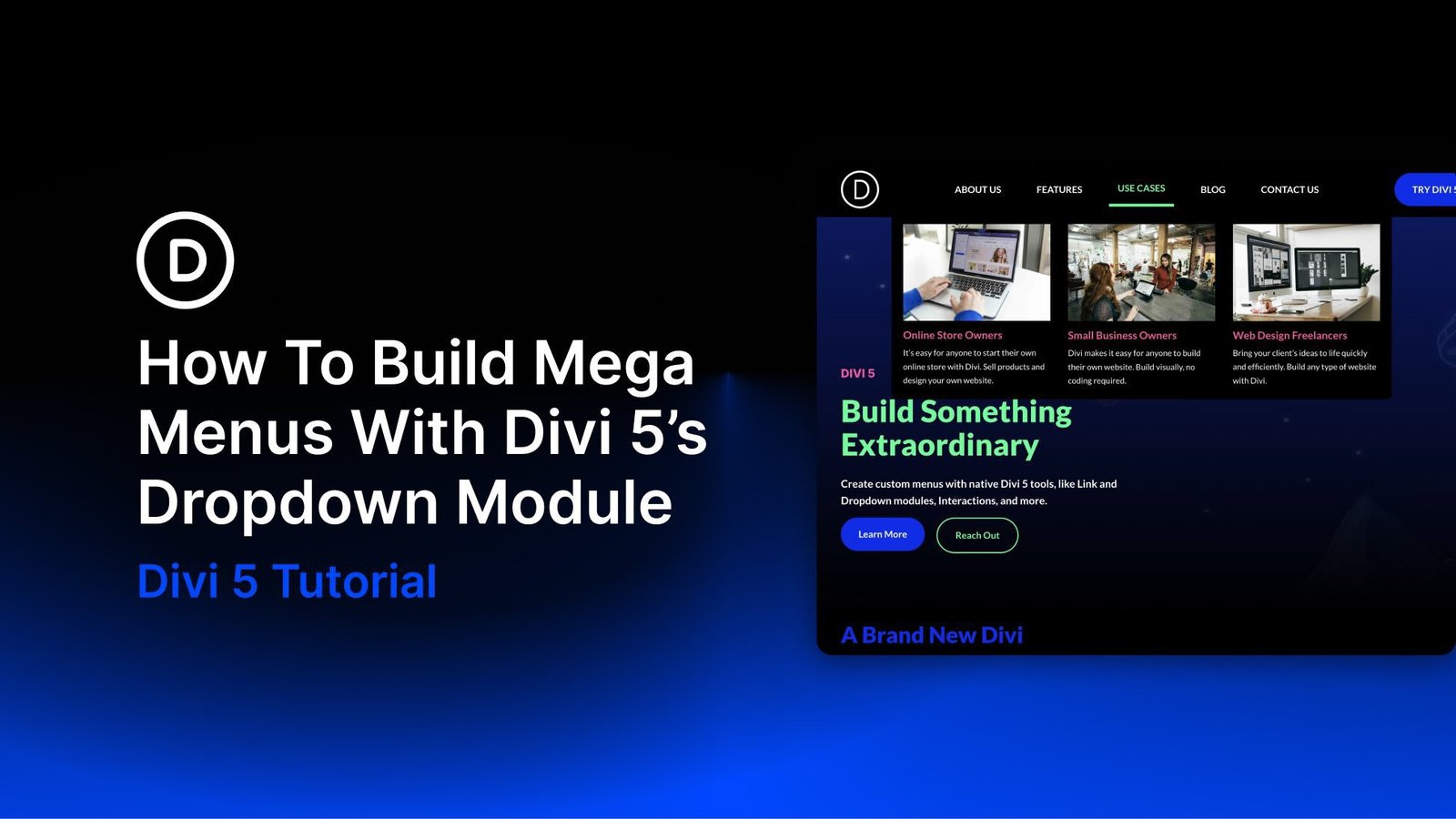
So, how can you create a mega menu using Divi 5’s Dropdown Module? The Dropdown Module is a dedicated container for building dropdown menus and mega menus.
When you place a Dropdown Module inside a parent element, such as a Link Module, Divi connects the dropdown’s behavior to that parent element. This means you can create a custom dropdown menu that’s tailored to your specific needs.
Features of Divi 5 Dropdown Module
The Dropdown Module in Divi 5 provides a range of features that make it easy to create custom dropdown menus. These include the ability to add multiple columns and rows, as well as support for images, text, and videos.
You can also use the Dropdown Module to create a separate mobile menu, which is perfect for websites that need to cater to mobile users.
According to a study by Adobe, 38% of users will stop engaging with a website if the layout is unattractive or difficult to navigate.
How to Create a Mega Menu
Creating a mega menu using Divi 5’s Dropdown Module is relatively straightforward. First, you’ll need to add a Dropdown Module to your page, and then configure the settings to suit your needs.
Next, you’ll need to add content to your mega menu, such as images, text, and links. You can use the built-in modules in Divi 5 to add this content, or you can use custom code to create a more complex design.
Tips and Tricks
When creating a mega menu, it’s essential to keep user experience in mind. Make sure your menu is easy to navigate and provides a clear and concise way to access your website’s content.
Additionally, make sure to test your mega menu on different devices and browsers to ensure it’s working as expected.
| Feature | Description |
|---|---|
| Customizable layout | The ability to customize the layout of your mega menu to suit your needs. |
| Support for images, text, and videos | The ability to add images, text, and videos to your mega menu. |
| Separate mobile menu | The ability to create a separate mobile menu for your website. |
Frequently Asked Questions
Here are some frequently asked questions about creating a mega menu using Divi 5’s Dropdown Module:
Q: What is a mega menu? A: A mega menu is a type of dropdown menu that contains multiple columns and rows of content.
Q: How do I create a mega menu using Divi 5’s Dropdown Module? A: You can create a mega menu by adding a Dropdown Module to your page and configuring the settings to suit your needs.
Q: Can I use custom code to create a more complex mega menu design? A: Yes, you can use custom code to create a more complex mega menu design.
Conclusion
In conclusion, creating a mega menu using Divi 5’s Dropdown Module is a great way to improve user experience on your website. By providing a clear and concise way to navigate your website, you can increase conversions and reduce bounce rates.
Remember to keep user experience in mind when creating your mega menu, and make sure to test it on different devices and browsers to ensure it’s working as expected.
Learn more about Divi 5
Learn more about Adobe
Table of Contents
According to a study by Google, 61% of users will leave a website if it’s not mobile-friendly.
According to a study by Microsoft, 75% of users will judge a website’s credibility based on its design.
Source: How To Build Mega Menus With Divi 5’s Dropdown Module