




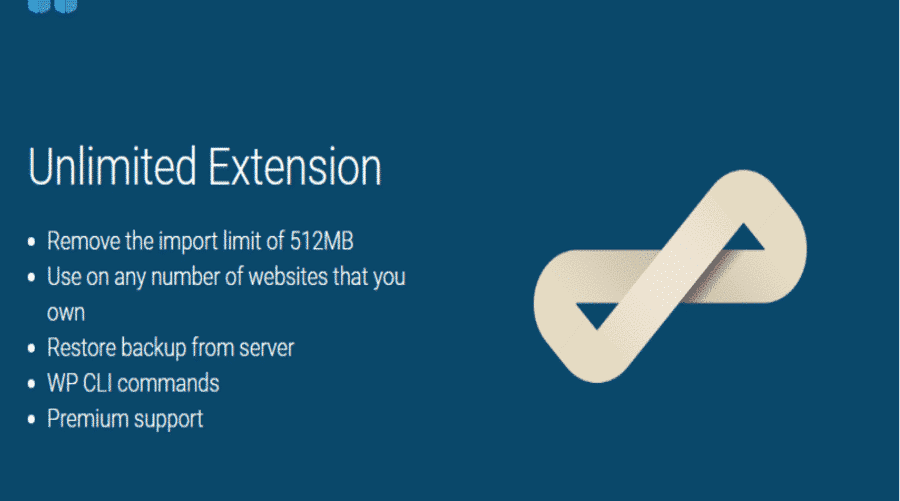




All-in-One WP Migration Unlimited Extension
All-in-One WP Migration Unlimited Extension is a powerful and comprehensive plugin that aims to simplify the process of moving and restoring WordPress sites. This plugin is part of the All-in-One WP Migration toolkit, which is known for its efficiency and ease of handling backups and migrations. The unlimited version has advanced features that make moving sites and storing backups easy and seamless, making it an ideal choice for developers, designers, and site owners looking to manage their sites efficiently and securely.
Easily and quickly relocate sites
The ability to move an entire WordPress site from one server to another is one of the most prominent features of the All-in-One WP Migration Unlimited Extension. This plugin allows for complete site transfers, including databases, files, and settings, without the need for advanced technical skills. Users can export their site to a single downloadable file, and then import it on the new server using the same plugin, providing a quick and hassle-free migration process.
Support for large and complex sites
The unlimited version of the plugin is ideal for large and complex websites thanks to its ability to handle a large data volume. The plugin allows backing up and restoring large databases and heavy files without any restrictions, ensuring a safe and smooth operation even with huge content. This feature is especially useful for sites with a large number of images, videos, and other files.
Store backups flexibly
The All-in-One WP Migration Unlimited Extension supports a wide range of storage options for storing backups. Users can save backups in various locations, including cloud storage such as Google Drive, Dropbox, OneDrive, and Amazon S3. This provides great flexibility and ensures that backups remain secure and accessible from anywhere.
Restore sites quickly and securely
In the event that a WordPress site needs to be restored from a backup, the plugin offers a fast and secure restoration process. Users can import exported files at any time, restoring the site to its previous state quickly and easily. The plugin supports restoring both site files and databases, ensuring that no data is lost.
Intuitive user interface
All-in-One WP Migration Unlimited Extension has a simple and intuitive user interface that makes the backup and migration process convenient even for non-technical users. The extension includes clear and straightforward steps to start the backup, export, and import process, minimizing the need for manual interventions or complicated settings.
Data security and protection
The plugin places great importance on data security by offering advanced security features. Backups are encrypted during transportation and storage, ensuring that sensitive data is protected. In addition, users can set passwords to protect access to backups and source locations, adding an additional layer of security.
Multilingual support
The All-in-One WP Migration Unlimited Extension supports a number of different languages, making it a convenient tool for users around the world. This feature allows users from different countries to interact with the extension in their preferred language, making it easier to use the tool and enhancing the user experience.
Integration with other plugins
The plugin supports seamless integration with a range of other plugins you may be using on your site. All-in-One WP Migration Unlimited Extension users can take advantage of the plugin’s integration with performance optimization tools, security plugins, and content management tools, making it an integrated part of their WordPress environment.
Technical support and documentation
The All-in-One WP Migration Unlimited Extension offers excellent technical support to help you resolve any issues you may encounter. The support includes extensive documentation, tutorials, and detailed guidance on how to use the extension efficiently. If you run into any difficulties, you can reach out to the support team for assistance.
Continuous updates and optimizations
All-in-One WP Migration Unlimited Extension is committed to providing regular updates and optimizations to ensure compatibility with the latest WordPress versions and the latest technologies. These updates include performance optimization, new features, and security updates, which enhances the functionality of the plugin and contributes to a better user experience.
Overall, the All-in-One WP Migration Unlimited Extension is an ideal tool for anyone looking to efficiently and easily manage and migrate WordPress sites. With its advanced features, user-friendly interface, and support for large and complex sites, the plugin provides a reliable and flexible solution to meet the backup and migration needs of all types of sites.


Absolute Addons for Elementor
In stock

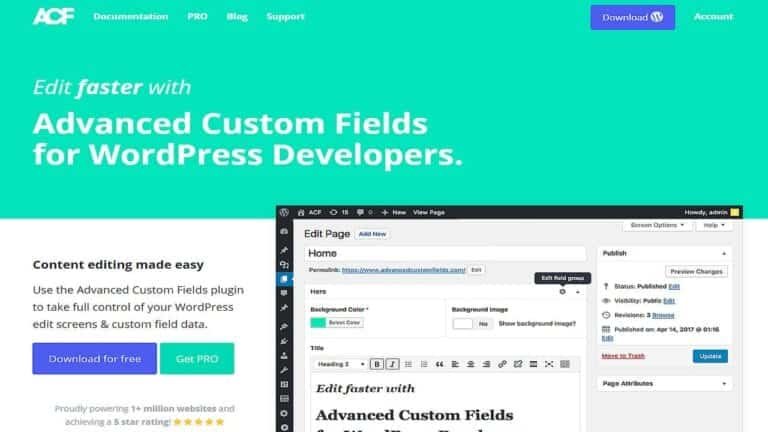
Advanced Custom Fields (ACF)
In stock
Advanced Database Cleaner PRO
In stock
Advanced Scripts
In stock

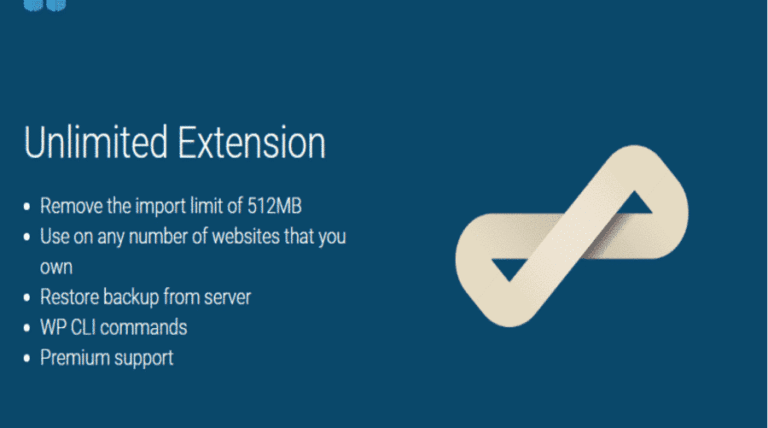
All-in-One WP Migration Unlimited Extension
In stock

Amelia Pro Booking
In stock

Astra pro
In stock

Avada
In stock

Beaver Builder
In stock


Blocksy Theme
Out of stock
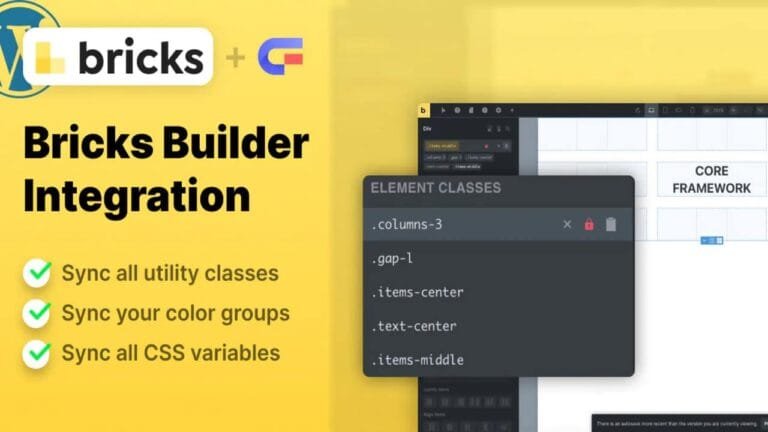
Bricks Builder
In stock

Canva Student
In stock

Canva Teacher
In stock


Cart Flows
In stock
Crocoblock Full Suite
In stock




Reviews
Clear filtersThere are no reviews yet.