



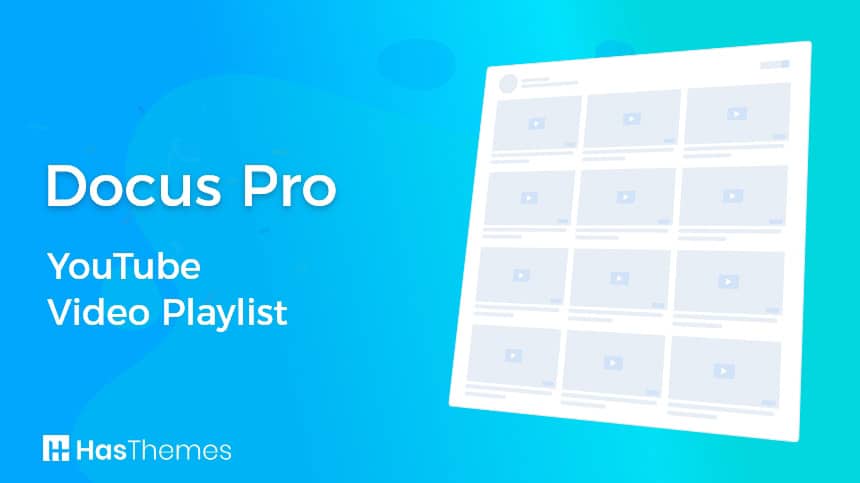



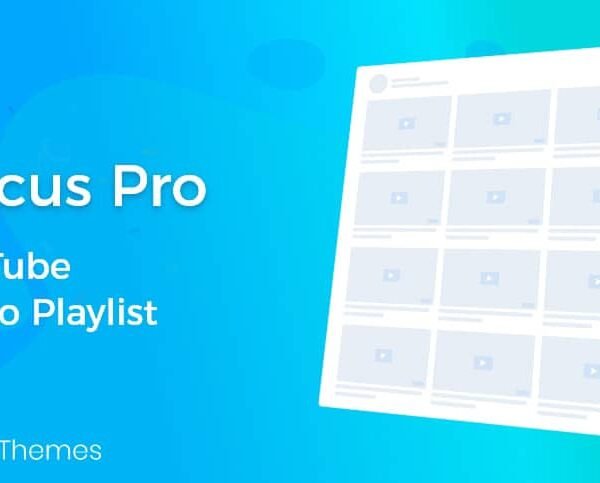
Docus Pro – YouTube Video Playlist
In today’s digital world, video is one of the most powerful mediums that can enhance user experience and increase visitor engagement on your site. With the growing importance of educational, promotional, and entertainment videos, it has become essential to have an effective tool to manage and display video playlists on your WordPress site. Docus Pro – YouTube Video Playlist offers a perfect solution for this purpose, allowing you to display YouTube playlists in an organized and attractive manner on your site.
What is Docus Pro – YouTube Video Playlist
Docus Pro – YouTube Video Playlist is an advanced WordPress plugin that allows you to seamlessly insert and display YouTube playlists. This plugin provides powerful tools to organize and display videos in a way that makes it easy for your site visitors to browse and watch content without having to leave your site. With Docus Pro, you can enhance the user experience and provide integrated visual content that enhances the appeal of your site.
Docus Pro Features – YouTube Video Playlist
Seamless YouTube Integration: The plugin offers direct integration with the YouTube platform, allowing you to pull your playlists and display them on your site with flexibility and ease. All you need to do is enter the playlist link, and the plugin will automatically fetch all the videos and display them in a neat way.
Attractive and Customizable Design: Docus Pro offers a range of customization options that allow you to adjust the playlist design to match your site’s identity. You can change the background colors, button styles, and video display layout to match your existing site design, ensuring a consistent and engaging experience for your users.
Multiple display capabilities: You can display YouTube playlists in more than one format on your site, including grid, drop-down, or even carousel. These options allow you to present content in a way that matches the design and layout of your site, enhancing the user experience.
Search and Filter Tools: Docus Pro allows you to include search and filter tools within the playlist, helping visitors quickly find the videos they’re interested in. They can search by title, description, or even categories to make it easier to find the right content.
Full control over video playback: The plugin offers advanced video playback control options, including autoplay, loop options, and adjusting the volume of the video player. This gives you the ability to customize the viewing experience to suit the needs of your audience.
Interactive and Embedded Support: You can add interactions within the playlist such as promotional links, captions, and comments that enhance the viewing experience and allow you to communicate directly with visitors. You can also embed playlists in different pages or articles on your site with great flexibility.
Performance and Engagement Analysis: Docus Pro provides integrated analytics tools to track the performance of your playlists and videos. You can monitor views, user engagement, and other analytics that help you improve your content strategies and achieve your marketing goals.
Mobile Compatibility: The plugin comes with a responsive design that ensures that playlists display properly on all devices, including mobile phones and tablets. This ensures that the viewing experience remains smooth and engaging no matter the device being used.
Easy to install and set up: The installation and activation process of Docus Pro is simple and quick. After installation, you can access the dedicated control panel as well as customize the display settings and format the playlists to suit your needs.
How to Use Docus Pro – YouTube Video Playlist
Installation and Activation: Install the Docus Pro plugin via your WordPress dashboard, then activate the plugin to start using it.
Setting up a playlist: Go to the Docus Pro settings page where you can enter your playlist link from YouTube. After entering the link, the plugin will fetch all the videos and prepare them for display.
Customize the display: Use the customization tools to adjust the design and display of the playlist to match your site’s design. You can change the colors, styles, and display format to your liking.
Add playlist to pages: Embed the playlist into pages or posts on your site using the available embed tools. Be sure to test the display on different devices to ensure compatibility.
Monitor performance: Use analytics tools to track playlist performance and measure visitor engagement. Use this data to improve the viewing experience and increase the effectiveness of your content.


Absolute Addons for Elementor
In stock

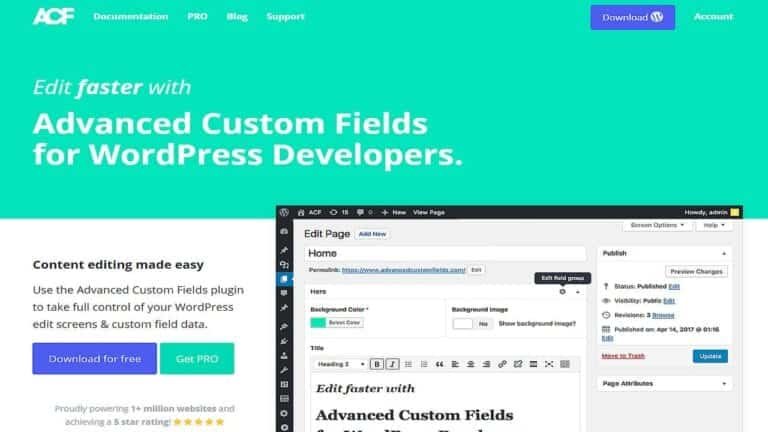
Advanced Custom Fields (ACF)
In stock

Advanced Database Cleaner PRO
In stock

Advanced Scripts
In stock

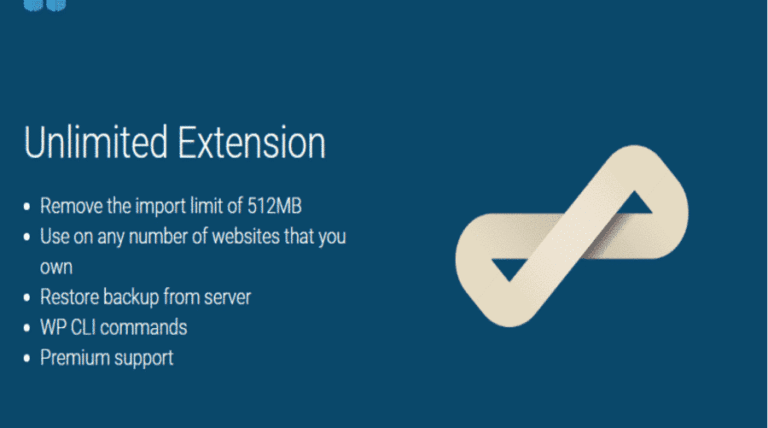
All-in-One WP Migration Unlimited Extension
In stock

Amelia Pro Booking
In stock

Astra pro
In stock

Avada
In stock

Beaver Builder
In stock


Blocksy Theme
Out of stock
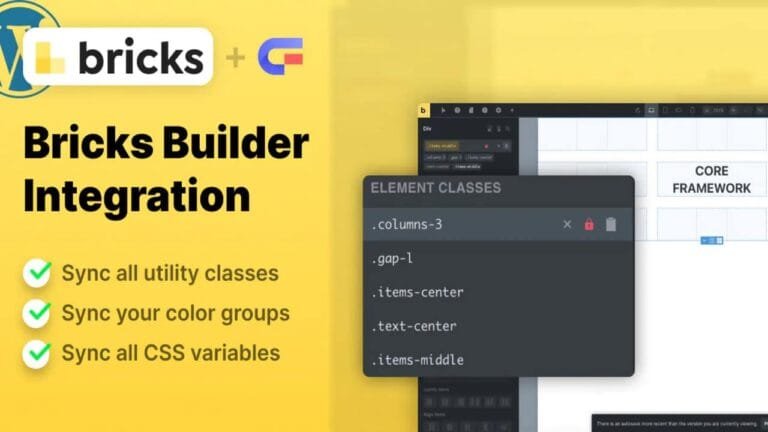
Bricks Builder
In stock

Canva Student
In stock

Canva Teacher
In stock


Cart Flows
In stock

Crocoblock Full Suite
In stock




Reviews
Clear filtersThere are no reviews yet.